Posts

Showing posts with the label Remote

Allow remote access via command prompt

Be an I.T. support and you will experience a lot of issue from clients. As support, you will be task to provide quick form of assistance be it over the phone, email, chat or sms. Remote desktop is natively supported in Windows 7 and since most users in client environment use win 7 for as their PC, knowing how to remote the computer of client is a must.
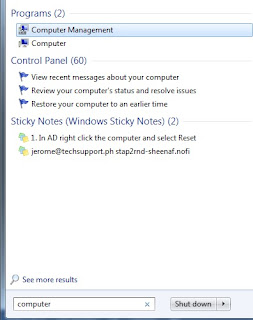
How to Enable Remote Desktop Connection via Computer Management

Image
Administrators oftentimes need to meet the expected support to their clients and users in times of incident. For example, a computer needs to be checked and calling via telephone to gather information from user about their problem can be slow. Adding to this is the tedious gathering of information from user like the type of error, the red-x’s appearing on icons that is not supposed to appear and the list goes on.

Renaming Windows Domain Computer Description Remotely

As Windows network administrator, we need to follow standards in the naming of the PCs and Desktops used in corporate environments. A computer name can describe the user of the computer, the department which the PC belongs to, the item count on your inventory, etc. As to the importance of establishing the standardize way of naming your domain computers, it can be stated from the list below: